 CareCard
Services
Browse CareCard services, add one to your cart, and swap a yearly selection before checkout.
Services is where you pay a CareCard fee. Adding a service never charges you — nothing is paid until you finish Checkout.
If your institution covers your fees, or nothing is payable yet, the page says there are no services for you and there's nothing to do here.
The Services Page
Open Services from the Side Menu. Each service you can buy is a card showing its:
- Name
- Price, in Canadian dollars
- Description
- Per-cart limit — the most you can add of that service, such as Up to 2 per cart
Select Add to Cart to add one.
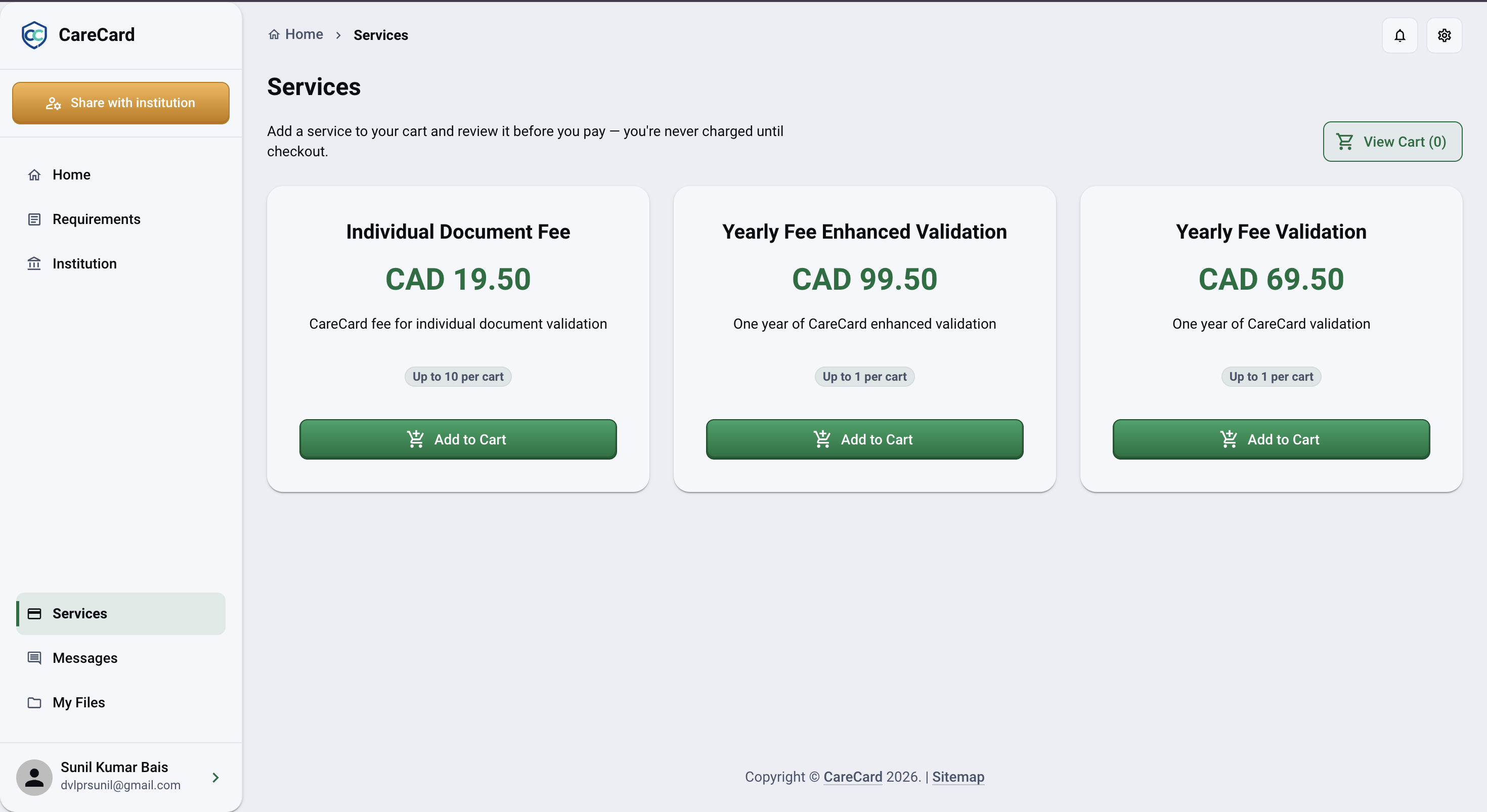
Prices are in Canadian dollars. Tax is added once you reach your cart.
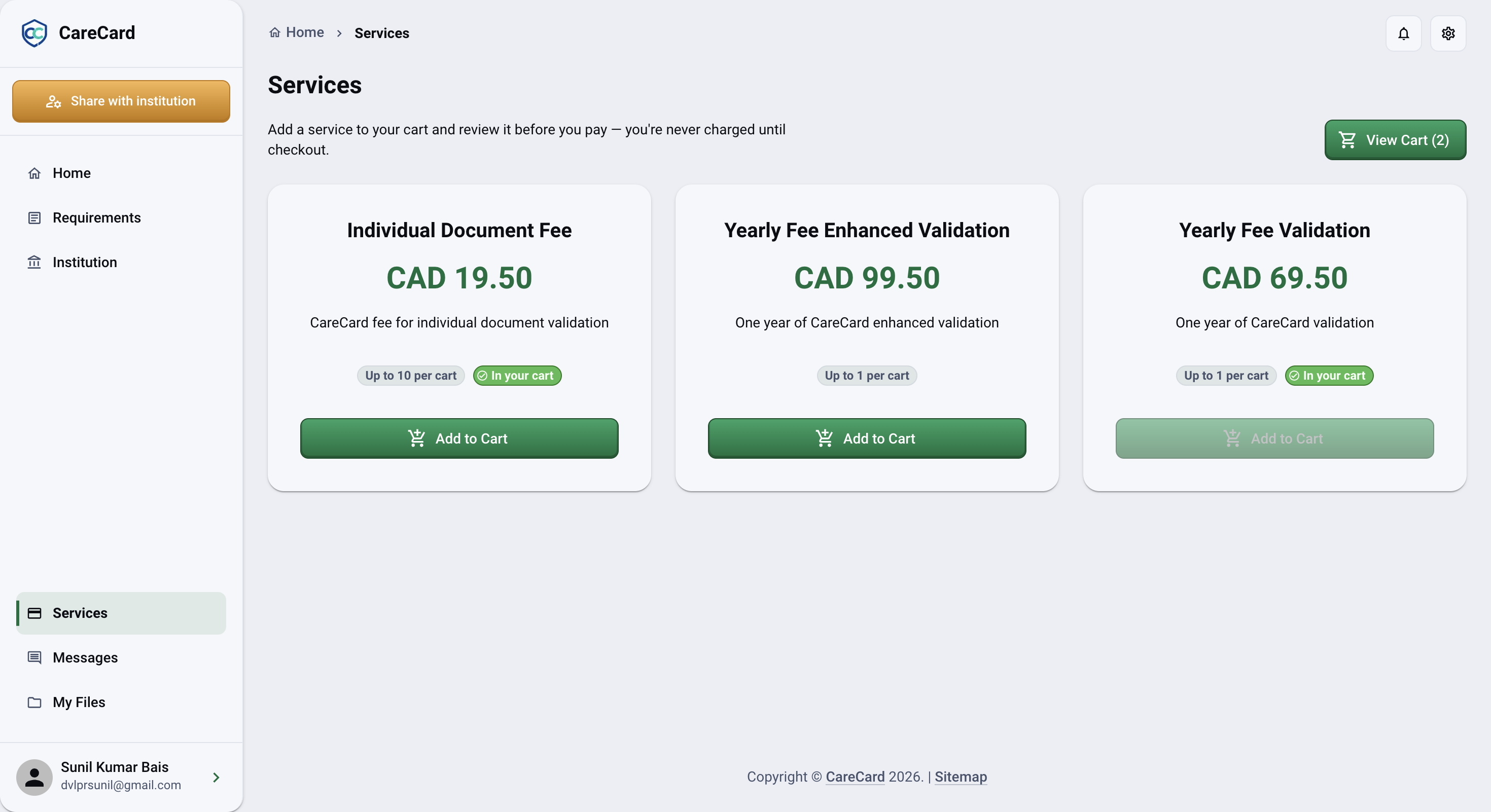
When a service is already in your cart or at its per-cart limit, its card shows an In your cart badge and Add to Cart turns off:
If nothing applies to you, the page says Services are unavailable for your current roles. If your institution hasn't published any services yet, it says No services are currently available.
Yearly Services Replace Each Other
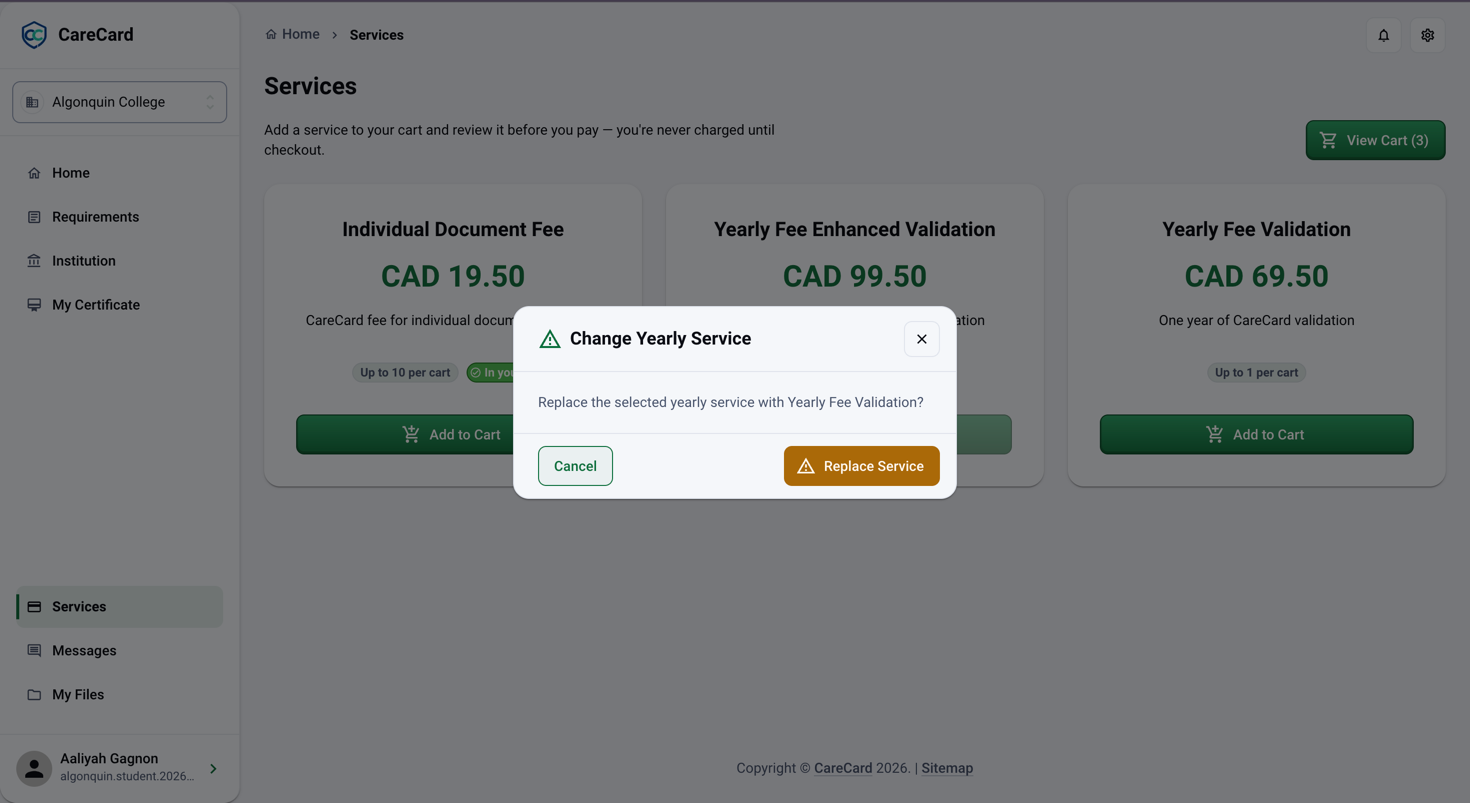
Some services are yearly and only one can be active at a time. Add a second yearly service while one is already in your cart and Change Yearly Service opens, asking you to confirm before it swaps them. Select Replace Service to go ahead.
Go to Your Cart
View Cart at the top shows how many services you've added. Select it to review everything and its total, then continue in Cart to change quantities, remove a service, or move on to Checkout.